Template starts
Choose a template to establish the first image and visual direction.
Persona studio
Start with a curated template, name your persona, then keep generating new outfits, hair, accessories, and scenes from that persona's own reference images.
What the app does
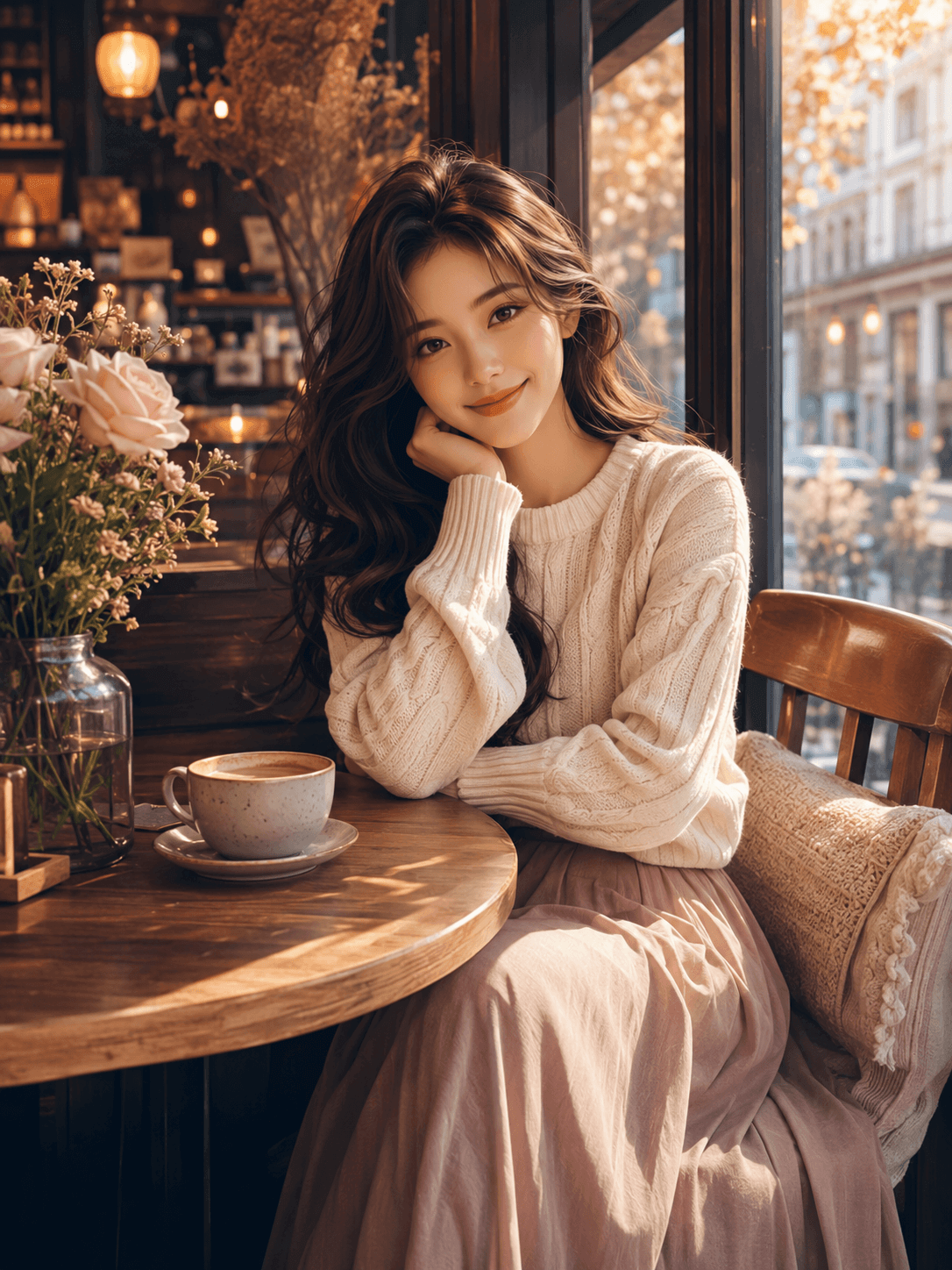
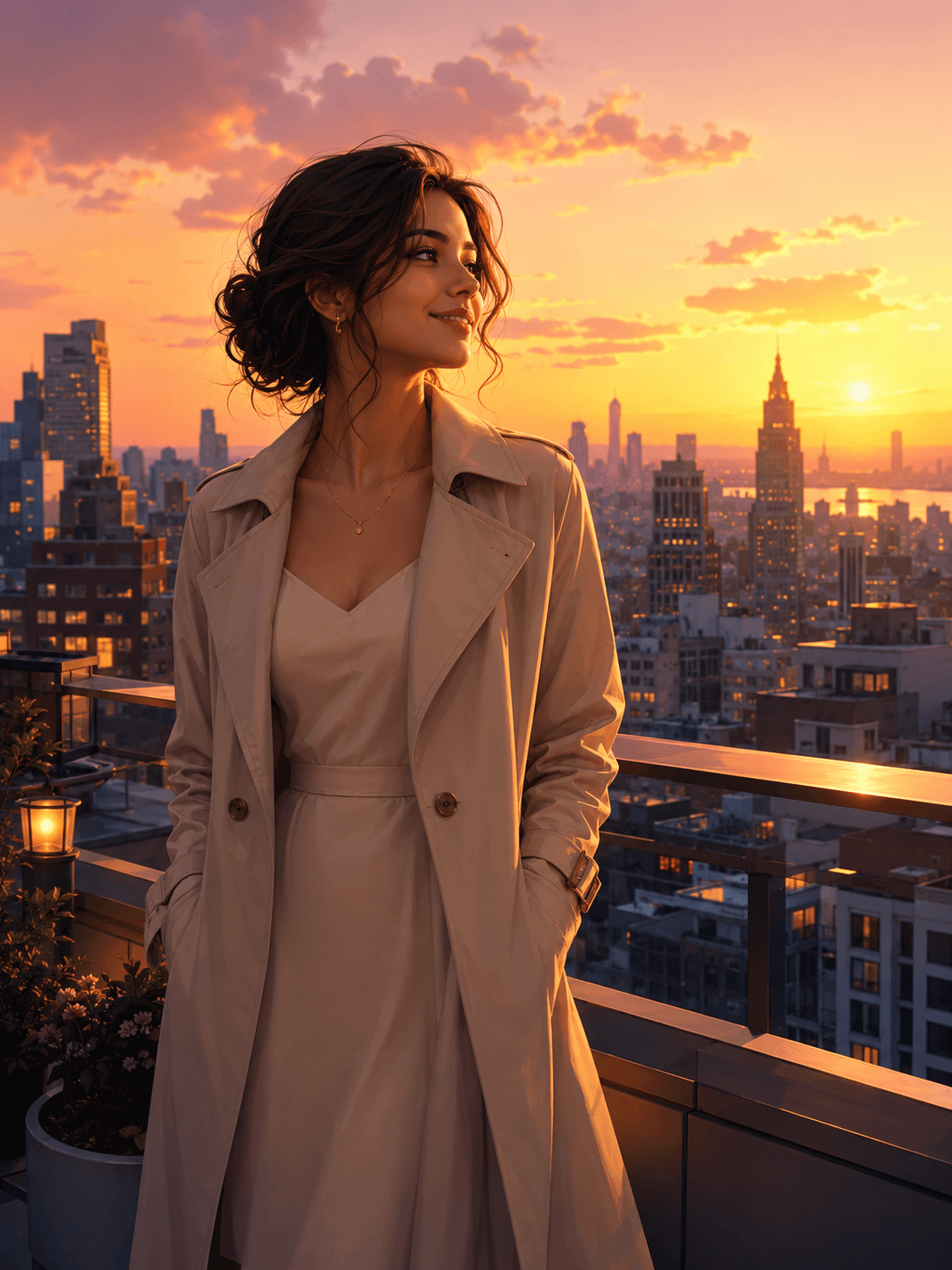
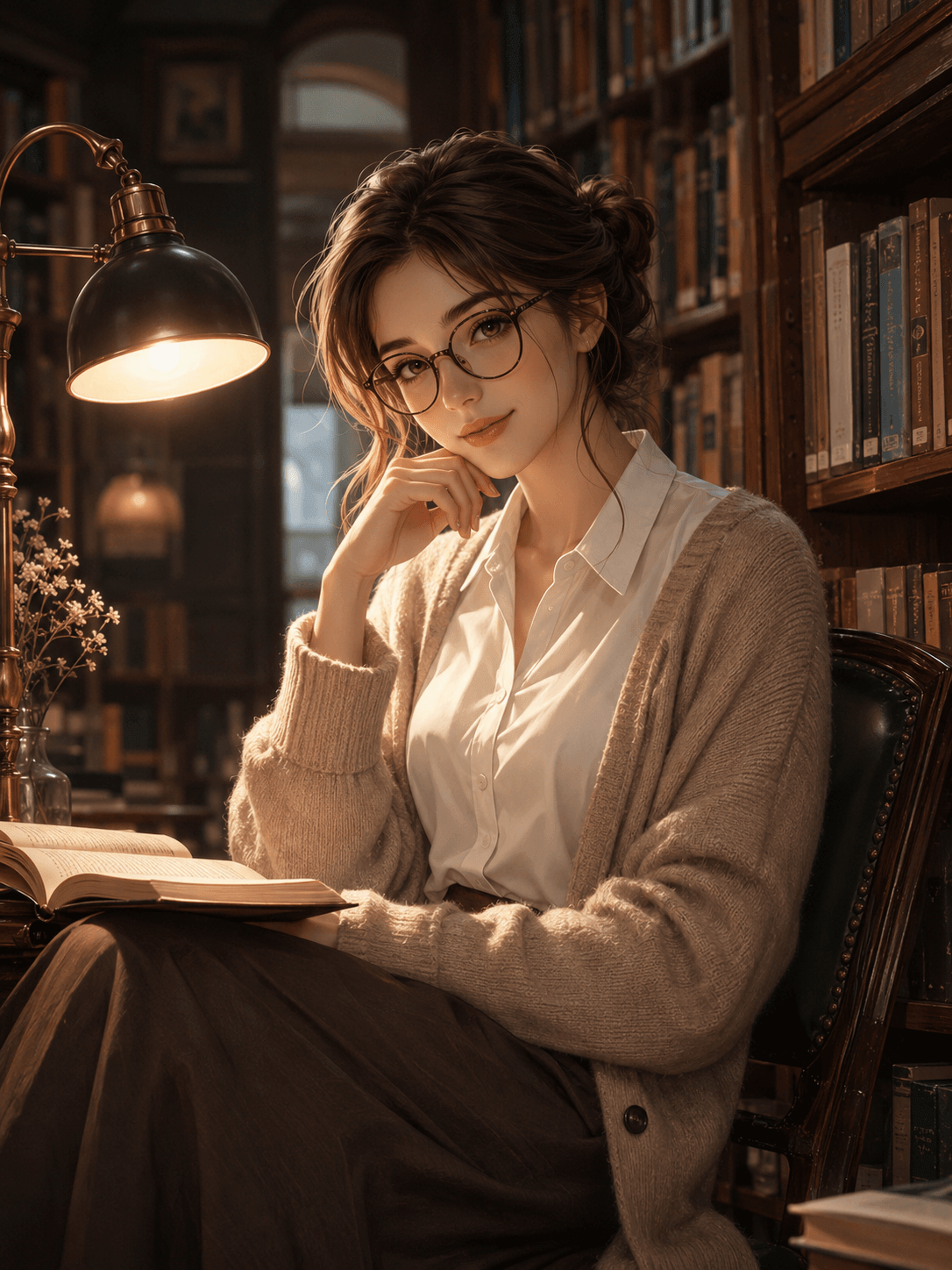
Velvet Persona is not a one-shot generator. Each persona keeps its own local image set, so you can choose a reference image, save favorites, set avatars, and keep iterating.
Choose a template to establish the first image and visual direction.
Later creations use that persona's image as the reference for consistency.
Persona records and image references remain in the app on this device.
Use credits for creation and manage VIP options from Profile.
Creation flow
Name the persona and add traits such as expression, style, mood, or favorite looks.
Use a template for the first result, or describe a custom look with prompt chips.
Tap a finished image to create again, set it as avatar, save it, or remove it.
Privacy and control
Velvet Persona uses prompts, templates, and selected reference images only to create requested results, show task progress, manage credits, and support account features.
Help
Learn how to create personas, choose reference images, save generated results, manage purchases, and delete account or library data.
Contact
For app help, purchase support, privacy requests, or account questions, email us.